
See the real price history on Walmart, Best Buy and Home Depot
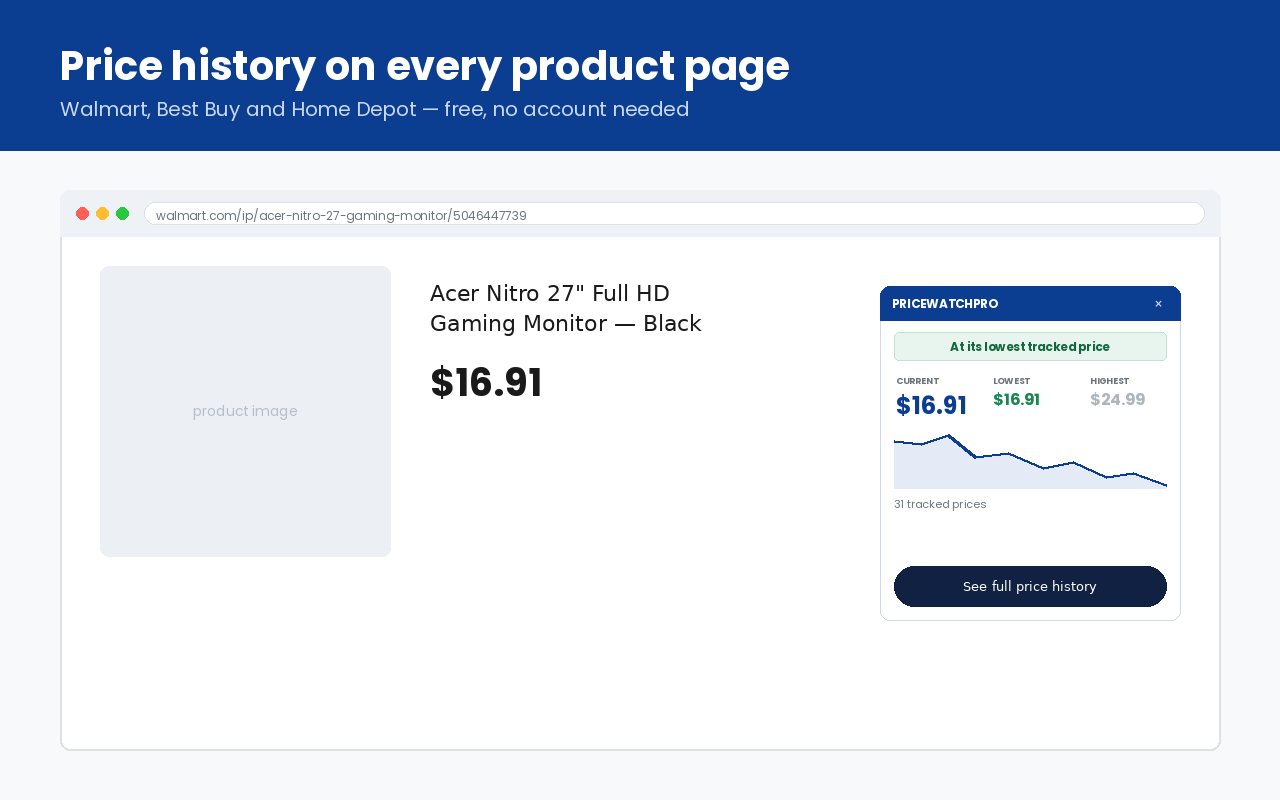
Retailers show you today's price. The free PriceWatchPro extension for Chrome shows you what that price has actually been: open a product page on Walmart, Best Buy or Home Depot and a small panel shows the current price, the lowest and highest price we have recorded, and a chart of every change in between. No account, no sign-in.
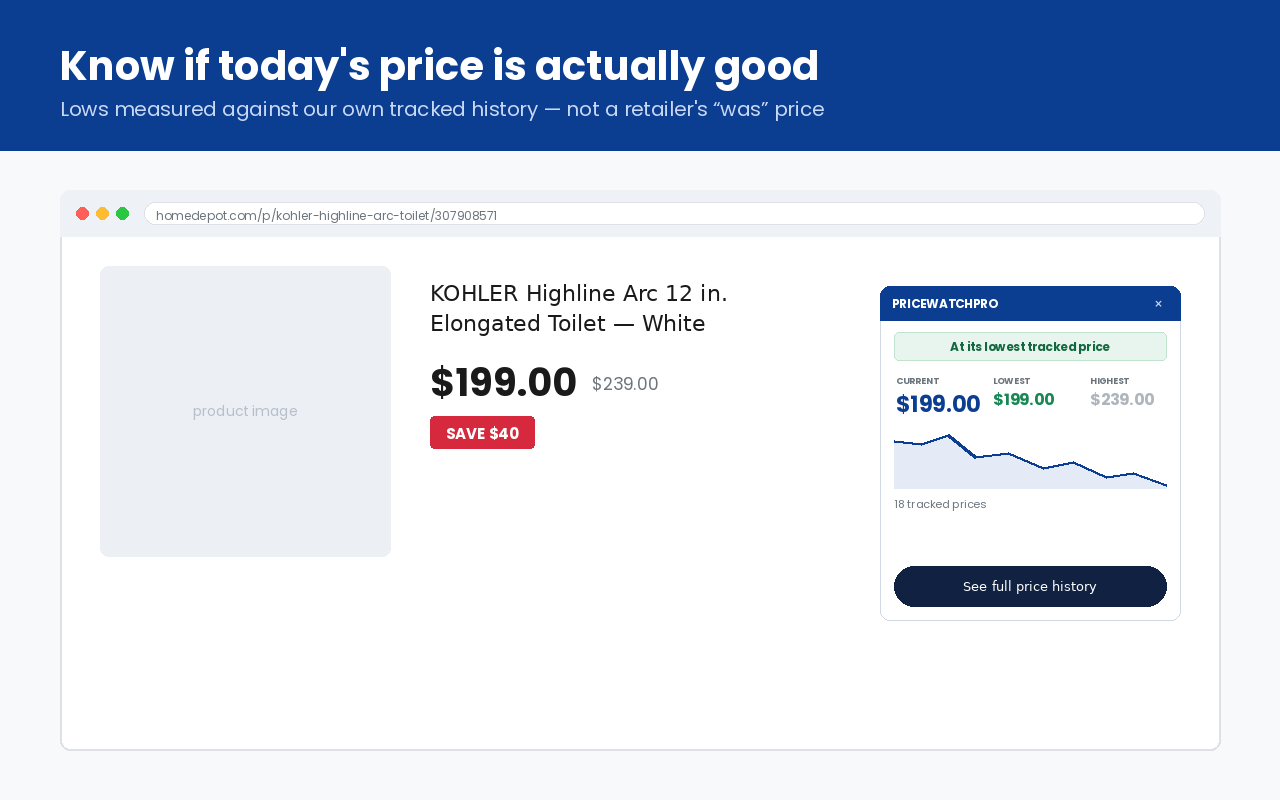
Is that sale actually a deal?
A crossed-out price only tells you what the retailer says the item used to cost. The panel tells you what it really cost, using the prices PriceWatchPro has recorded for that exact listing. When today's price is the lowest we have seen, the panel says so.
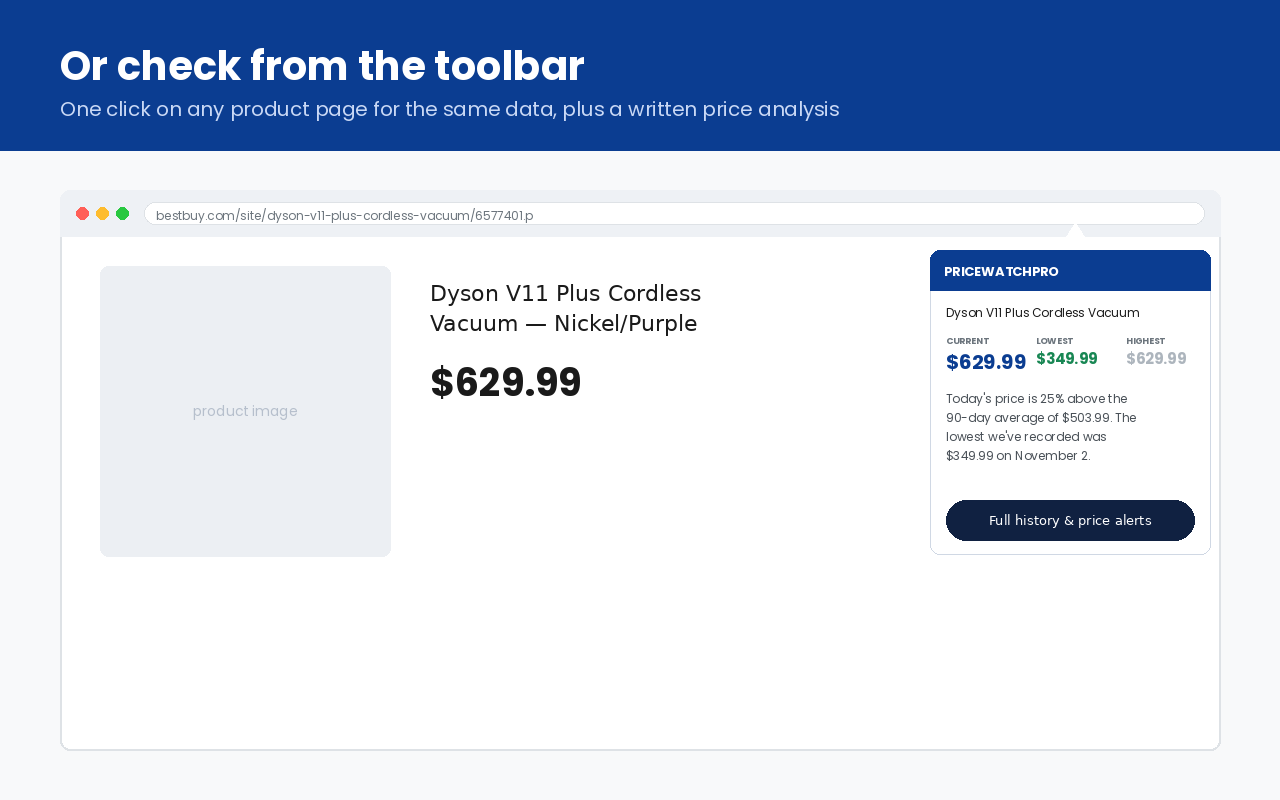
Or check from the toolbar
Closed the panel? Click the PriceWatchPro icon in the toolbar for the same numbers plus a short written analysis — for example how today's price compares with the 90-day average — and a link to the full chart and free price-drop alerts on pricewatchpro.com.
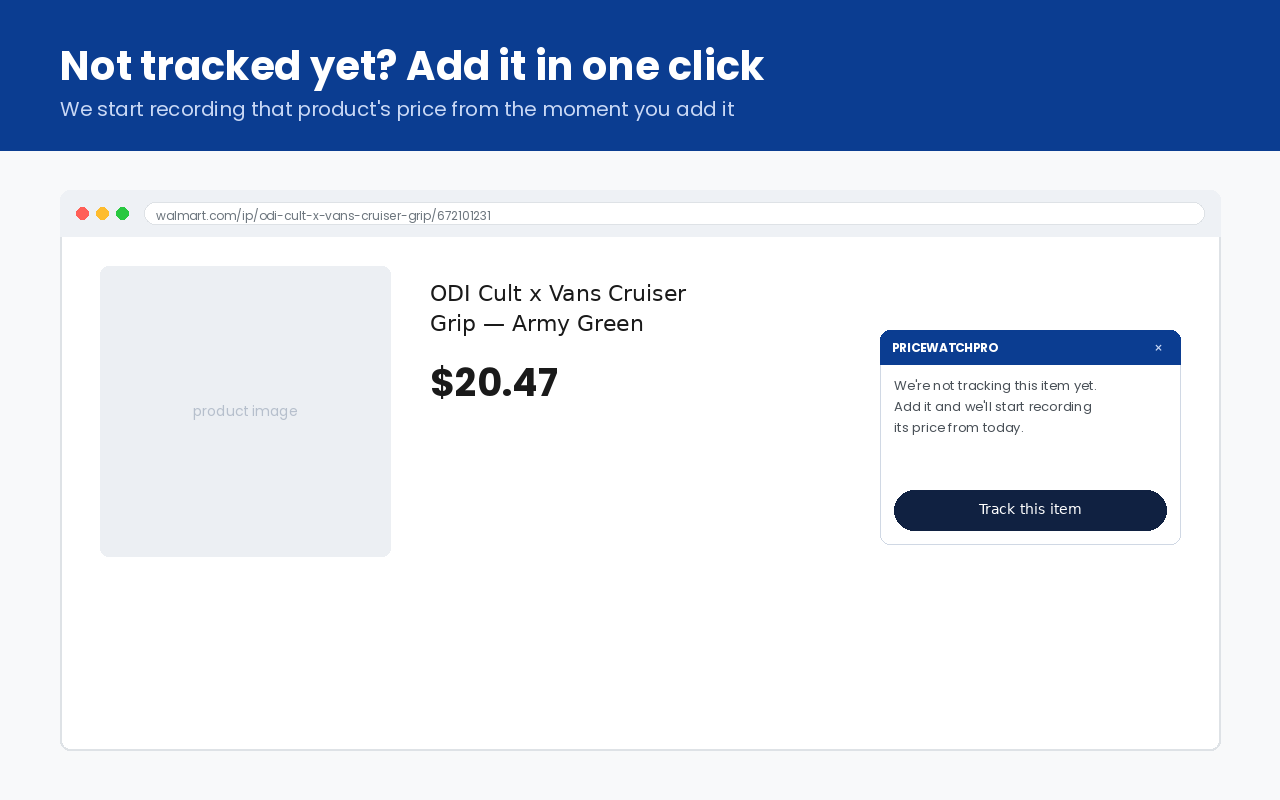
Not tracked yet? Add it
If we are not tracking a Walmart item yet, the panel offers a "Track this item" button. We start recording its price from that day, so the history builds up from then on.
Where it works
- Walmart product pages (
walmart.com/ip/…) - Best Buy product pages (
bestbuy.com/site/…andbestbuy.com/product/…) - Home Depot product pages (
homedepot.com/p/…)
It runs in desktop Chrome and other Chromium browsers (Edge, Brave, Opera). It does not run on phones, Firefox or Safari — on a phone, use our mobile apps or search on pricewatchpro.com.
Privacy
The extension does not collect your browsing history and contains no analytics or tracking. On a supported product page it sends only that product's public item number to pricewatchpro.com to look up its price history; nothing else leaves your browser. Price-drop email alerts are optional and are set up on our website. See our privacy policy.